
Beatslash
A downloadable game for Windows
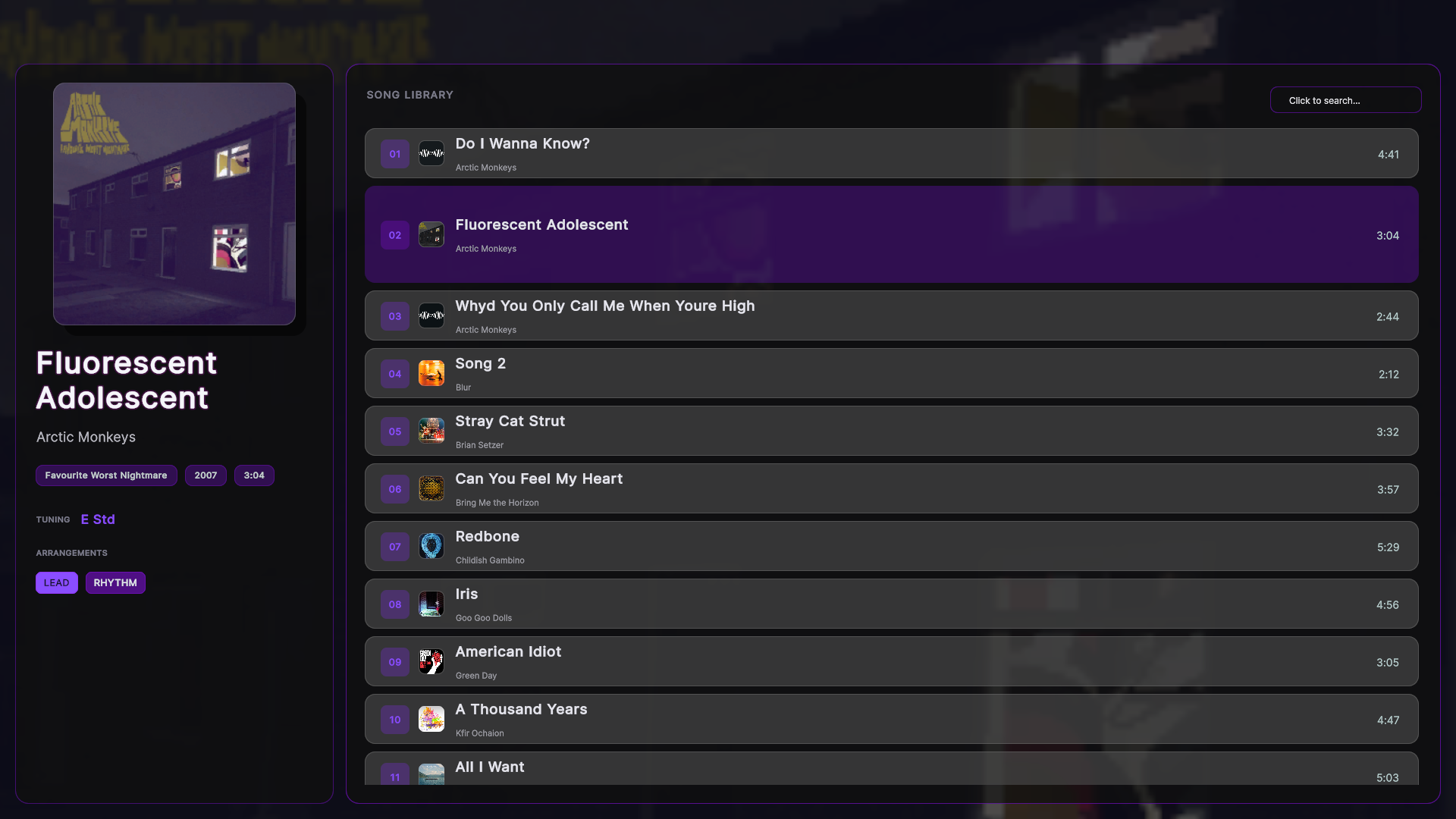
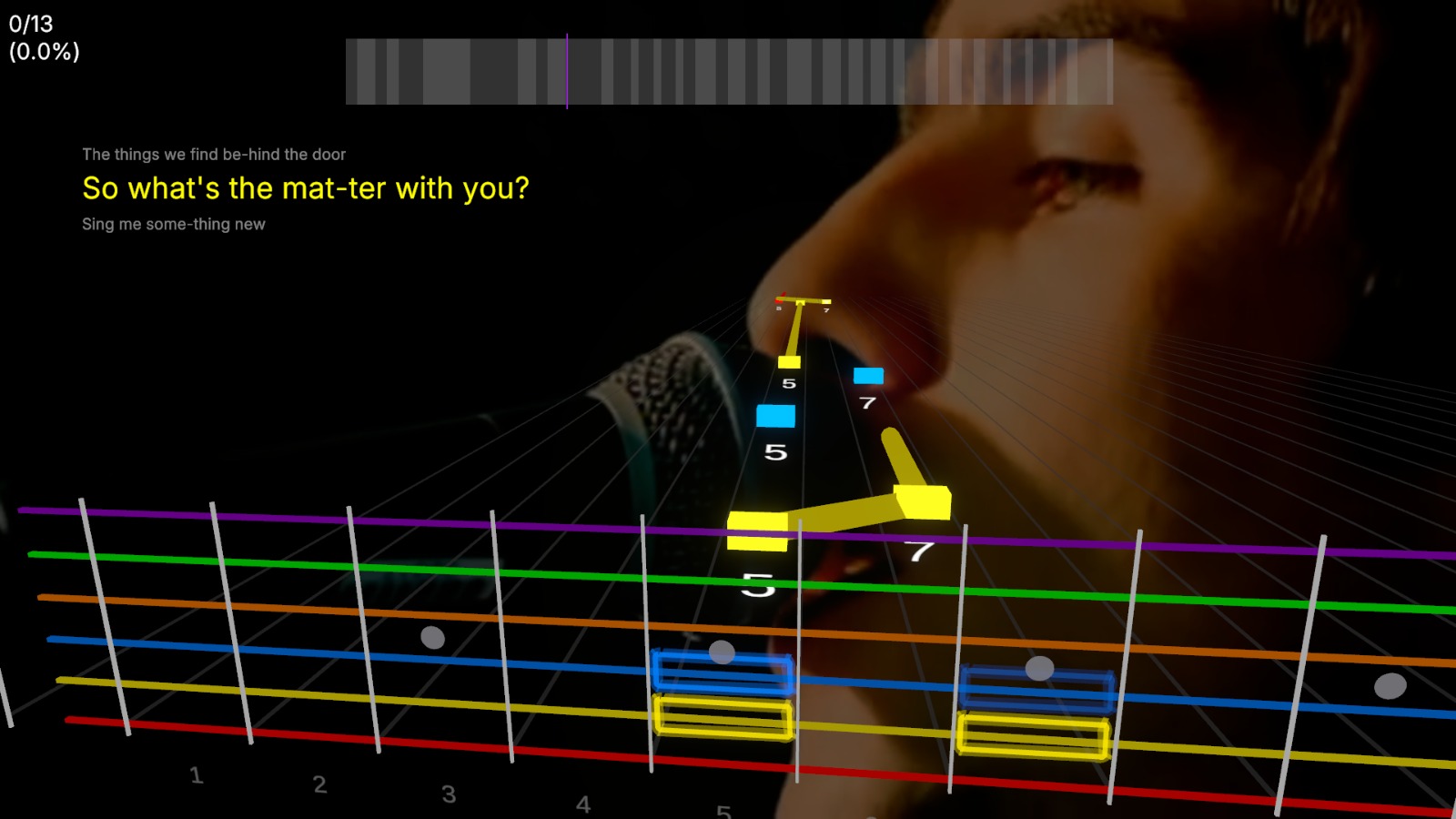
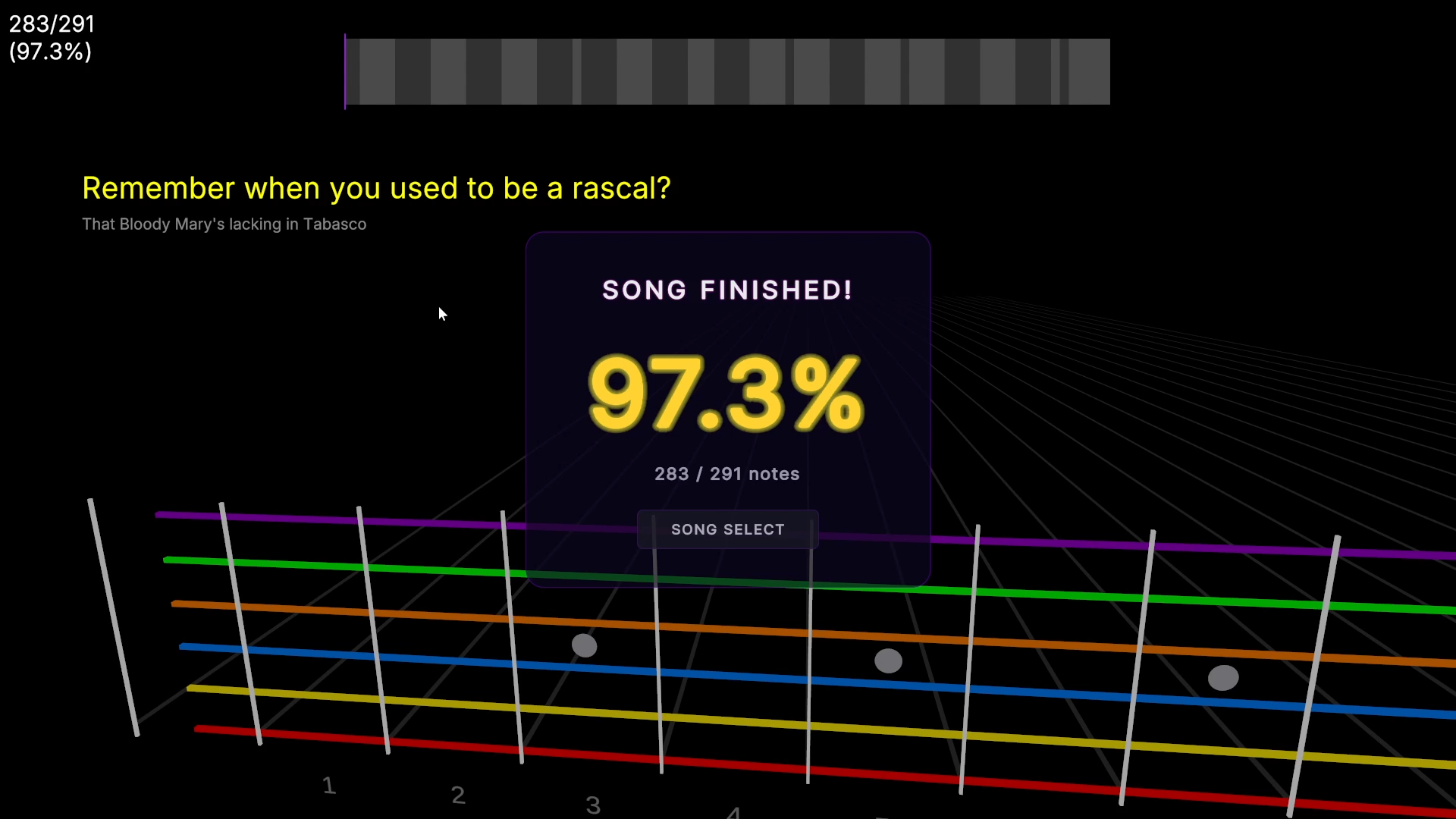
BEATSLASH is a cutting-edge rhythm game that hooks up to a real guitar as its primary controller. Bridging the gap between gaming and authentic musicianship, it delivers a deeply realistic performance experience that leaves traditional rhythm games in the dust. BEATSLASH is built to blur the lines between pure entertainment and interactive music education all in one sleek platform.
Whether you are looking to level up your real-world guitar skills or just want to feel the rush of playing your favorite tracks, this game turns your instrument into the ultimate weapon.
How to
- Ensure that the ASIO driver is installed on your PC. It is highly recommended to use official driver provided by your Audio Interface manufacturer or ASIO4ALL.
- Connect your electric guitar to the PC using an instrument cable plugged into the Audio Interface. Make sure the device is properly detected by Windows.
- Open the BEATSLASH game executable file and then immediately close it. This action will trigger the system to generate a new configuration file automatically.
- Open the
audio_config.jsonfile that appears in the game folder using a text editor like Notepad. Enter the exact name of the ASIO driver you are using into theasioDriverNamefield, then save the changes. - Open the BEATSLASH game executable file once again to start playing.
Requirements
- Windows PC
- Electric Guitar
- Audio Interface (with supported ASIO drivers)
Download
Leave a comment
Log in with itch.io to leave a comment.